Island Expander

















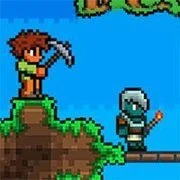

Island Expander: A Relaxing Cozy Crafting Game
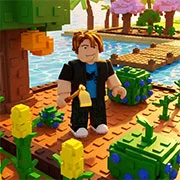
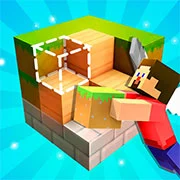
Island Expander is a cozy crafting game where players gather resources and unlock recipes to transform a small patch of land into a sprawling paradise. With meditative mechanics and continuous map expansion, it offers a calm environment for building everything from basic tools to complex machinery.
Build Your Island Paradise
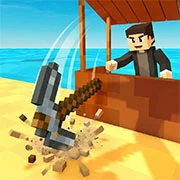
In this title, the primary goal is steady, satisfying progression. Players begin their journey with highly limited space and must actively collect various materials found in the environment. These resources are the foundation for expanding the map tile by tile. Every new addition to the landmass provides a visible sense of growth, rewarding consistent effort as the terrain evolves from a tiny dot in the water into a massive custom landscape.
Discovery and Technology
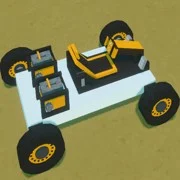
Resource gathering leads directly into an engaging manufacturing system. There are over thirty unique recipes to discover as players advance. Starting with simple handheld implements, users gradually gather the components necessary to engineer large-scale machines. This steady evolution of technology keeps the experience engaging while maintaining a low-pressure atmosphere. The project recently received an update on February 20, 2026, ensuring smooth performance and stability for current players.
Jump Into the Action
For those looking for a quick and easy way to experience this title, you can play Island Expander online for free on kbhgames.com. Running directly in the web browser, this version requires zero installation, allowing players to immediately start designing their dream location without any waiting periods.
Game Controls
The input methods are designed to be intuitive across different devices, making navigation and interaction seamless.
PC Controls
- Mouse Movement: Look around the environment
- WASD / Arrow Keys: Move the character
- Number Keys 1-4: Equip different tools
- Left-Click: Hit objects or use the equipped tool
- Tab: Open the inventory screen
- E: Interact with surrounding objects
- P: Access the pause menu
- B: Unlock the mouse cursor
Mobile Controls
- Left Joystick: Move the character
- Screen Swipe: Look around the environment
- Right Side Buttons: Jump, utilize tools, and interact with objects
As always, remember to have fun!