Melon Sandbox





Melon Sandbox: The Ultimate Physics Sandbox Game for Creative Destruction
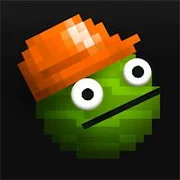
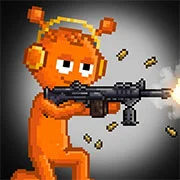
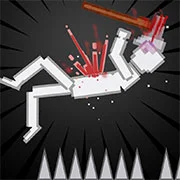
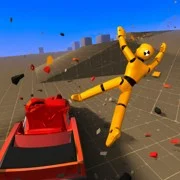
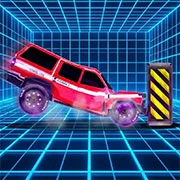
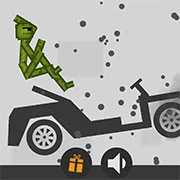
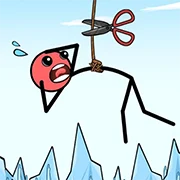
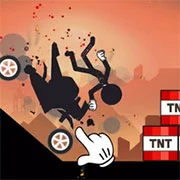
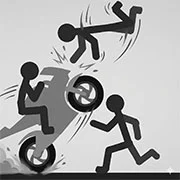
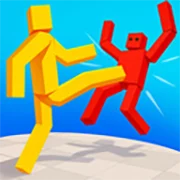
Melon Sandbox is a physics-based sandbox game where players drag, drop, and destroy using a huge arsenal of weapons, vehicles, and experimental items. There are no objectives or scores—just open-ended chaos driven entirely by creativity.
What Is Melon Sandbox?
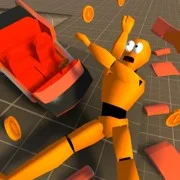
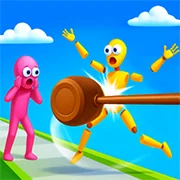
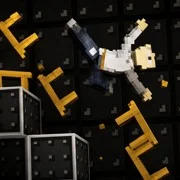
At its core, this is a playground. Players get a blank field and a toolbox packed with items. Melee weapons, firearms, explosive barrels, armored vehicles, and even mystical syringes are all fair game. Drop a character onto the field, hand them a weapon, or strap them to a vehicle and see what happens. The physics engine handles the rest, and the results are often unpredictable.
That’s really the whole point. There’s no story mode or campaign to grind through. Melon Sandbox is built around experimentation. Stack objects, set up chain reactions, or just test how much punishment a ragdoll can take. It sounds simple—and it is—but that simplicity is what keeps players coming back.
Mods and Community Creations
One of the strongest parts of Melon Sandbox is its mod support. Other players create and upload modifications that add new items, characters, textures, and mechanics to the game. Downloading these mods can completely change what’s possible in your sandbox. Some add popular characters from other games or shows. Others introduce new weapon types or environmental effects.
Players can also save their own scenes and share them with the community. Built something wild? Save it, post it, and let others react. This back-and-forth between creators keeps the game feeling fresh long after the base content gets familiar.
Map Themes and Customization
The environment isn’t locked to one look. Players can switch between different map themes through the menu, changing the backdrop and feel of the sandbox. It’s a small feature, but it adds variety. A scene that looks one way on a default map hits differently in a completely different setting.
Items are customizable too. Double-clicking any placed object opens a menu where players can resize it or swap its texture. These tweaks let players fine-tune their setups instead of just working with default assets.
Game Controls
- Drag and drop items onto the playing field to place them
- Double-click an object to open its menu (resize, change texture, activate)
- Click the Save button to preserve your current scene
- Access saved scenes from the item list
- Open the map theme menu to change the environment
As always, remember to have fun!