AutoShop Simulator: Supermarket 2026

















AutoShop Simulator: Supermarket 2026 — Build Your Own Store Empire From Scratch
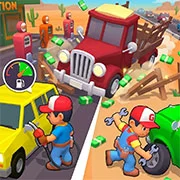
AutoShop Simulator: Supermarket 2026 is a business simulation game where players build, manage, and expand their own supermarket. Stock shelves, serve customers, drive delivery trucks, and grow a single shop into a city-wide chain of businesses.
What Kind of Game Is This?
At its core, this is a management sim. Players start with a small store and a short list of products. The goal is pretty simple—make money, then spend it to make more money. Buy fresh stock, place it on shelves, and keep customers happy. It sounds basic, but the loop gets more involved fast.
Profits unlock permits that let players sell new types of products. That alone changes how the store operates. More variety means more customers, which means more cash flow. On top of that, the supermarket itself can be physically expanded. Extra floor space, more shelving, bigger operation.
Vehicles and Deliveries
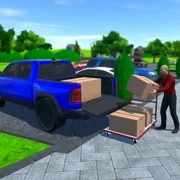
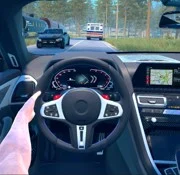
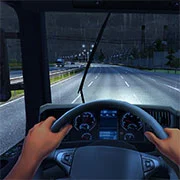
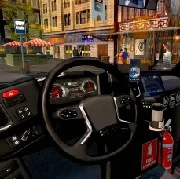
Stock doesn’t appear out of thin air. Players use a fleet of vehicles to haul goods from the warehouse back to the store. The driving isn’t just a background task either—players actually get behind the wheel. New vehicles can be added to the garage over time, which speeds up restocking and keeps shelves from going empty during busy stretches.
Hiring Staff and Expanding Across the City
Running everything solo only works for so long. Players can recruit employees to handle parts of the operation, freeing up time to focus on bigger decisions. And those decisions get interesting once profits start climbing.
The real hook? Players aren’t locked into one location. Earnings can be reinvested into purchasing other businesses around the city. Each new property adds another income stream. It shifts the game from “run a grocery store” to “build a local empire,” which gives it longer legs than most sims in this category.
Game Controls
PC:
- Left mouse button — grab an item
- Right mouse button — discard an item
- WASD — movement
- Space — jump
- Tab — open menu
- F — interact with vehicles
- C — switch camera view (while in car)
Mobile:
- On-screen buttons
As always, remember to have fun!