Key Quest – Room Escape
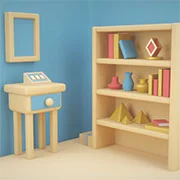


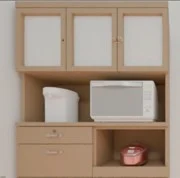
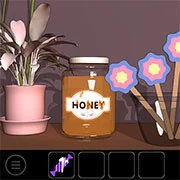


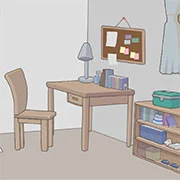



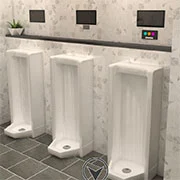



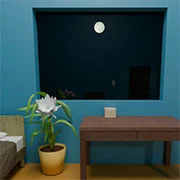



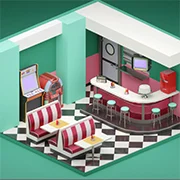


Key Quest: A Logic-Driven Room Escape Experience
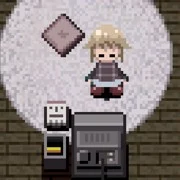
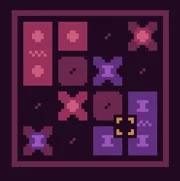
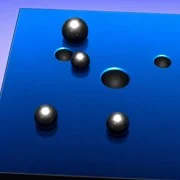
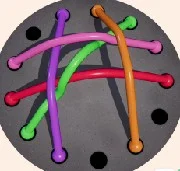
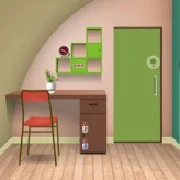
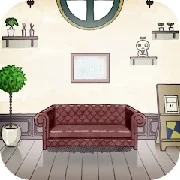
Key Quest is a point-and-click room-escape puzzle game where players must rely on sharp observation and deduction to break out of a series of sealed environments. By finding hidden mechanisms and solving clever riddles, your objective is to uncover the elusive Golden Key and secure your freedom.
Developed by IsoTronic, this logic-centered challenge places players in unfamiliar, locked areas filled with subtle clues. Rather than rushing against a clock, the experience focuses on measured pacing and steadily increasing difficulty. Success requires players to carefully analyze their surroundings, as the game prioritizes environmental awareness and critical thinking over speed.
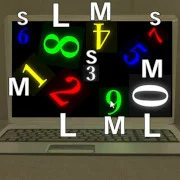
Navigating the different rooms involves uncovering concealed switches and locked passages. To progress, players must collect various objects scattered throughout the area. These items need to be examined and frequently combined to reveal secret compartments or activate specific mechanisms. Relying on short-term memory and systematic reasoning is necessary to piece together the clues and solve the structured puzzles standing between you and the exit.
For those ready to test their deductive abilities, players can play Key Quest online for free on kbhgames.com. The game runs directly in the web browser, offering a quick way to jump into the action without requiring any installation. If certain sections prove too difficult, the community often shares hints in comment sections or video walkthroughs to help players overcome challenging obstacles.
Game Controls
Key Quest relies entirely on mouse inputs for navigation and interaction. Players use standard point-and-click mechanics to search areas, gather clues, and interact with the environment. Moving between different screens or rooms is done by clicking the edges of the screen, and specific areas can be clicked to zoom in for a closer look. To use collected items, players can either select them directly from the inventory menu to equip them or drag and drop them onto the correct locations within the room.
As always, remember to have fun!