RIVALS FPS: Online Shooter





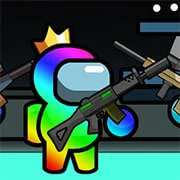


RIVALS FPS: Online Shooter – Fast-Paced 3D Arena Combat Game
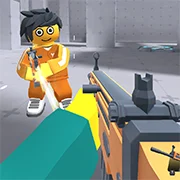
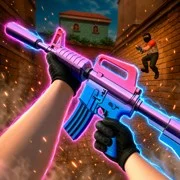
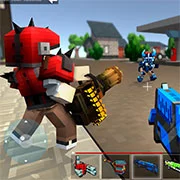
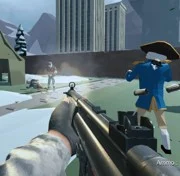
RIVALS FPS: Online Shooter is a multiplayer first-person shooter set in colorful 3D arenas built for quick, strategic matches. It combines customizable loadouts, interactive maps, and real-time combat across modes like Team Deathmatch and Battle Royale.
How Matches Work
Every round starts with picking a loadout. From there, players drop into arenas that hold anywhere from two to eight people. The shooting feels responsive, and movement matters just as much as aim. Cover spots are scattered across each map, and learning where they are makes a real difference.
Cash comes from eliminating opponents. That currency goes toward weapon upgrades or cosmetic items like skins. It’s a simple loop—play well, earn more, gear up faster.
Game Modes
Team Deathmatch is the bread and butter here. Squads work together to control sections of the map and rack up eliminations. Communication and positioning pull more weight than raw reflexes alone.
Battle Royale flips things around. The arena shrinks over time, forcing players closer together. Adapting on the fly is key. Staying aggressive too early can backfire, but playing too passive means getting caught in a bad spot when the zone closes in.
Maps and Positioning
The maps in RIVALS FPS: Online Shooter aren’t just backdrops. They have interactive elements—objects to use as cover, lines of sight to exploit, and flanking routes that reward creative movement. Smart positioning beats a fast trigger finger in most situations. Players who take time to learn each map’s layout tend to climb the leaderboards quicker.
Loadouts and Customization
Weapons can be upgraded using in-game cash, and there’s a selection of cosmetic gear to unlock too. The customization isn’t just visual, though. Picking the right weapon setup for a specific map or mode matters. A loadout that works great in Team Deathmatch might not hold up in Battle Royale.
Game Controls
- WASD or Arrow Keys: Walk
- Mouse: Aim
- Click: Shoot
- Spacebar: Jump
- C: Crouch
- E: Interact with items
As always, remember to have fun!