Draw and Paint






Draw and Paint: Line Art Puzzle Game
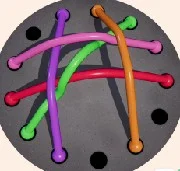
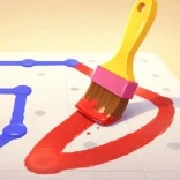
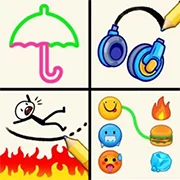
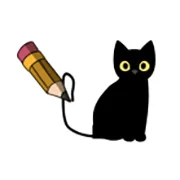
Draw and Paint is a relaxing line-drawing puzzle game where players trace patterns with a single touch to recreate shapes, mandalas, and abstract designs. It’s built for focus and calm, trading timers and pressure for precision and flow.
What the Game Is About
The whole idea is simple. A shape appears on screen, faded or outlined, and players guide their finger or mouse to fill it in with clean, seamless lines. There’s no countdown, no penalty for taking a breath, no chaotic scoring system punishing slow moves. Just you, the pattern, and how accurately you can follow it.
Think of it less as a challenge and more as a quiet creative exercise.
How to Play
Controls couldn’t be more stripped back. Touch the screen or click and drag with the mouse to set the brush direction. When you lift your finger or release the button, a continuous line appears along that path.
The real skill is matching the shape exactly. Lines that drift off the outline cost accuracy. Clean traces score higher. Players who slow down and watch the edges tend to do better than ones trying to rush through.
And since there’s no time limit, rushing is pointless.
Levels and Progression
Over 100 levels are packed into the game. Early ones keep things gentle—basic geometric figures, clean curves, simple loops. Later levels move into denser territory: intricate mandalas, layered abstract art, and patterns that demand real attention to finish cleanly.
As players complete levels, they collect gems. Those gems unlock new skins, giving the game a small collection loop on top of the main drawing mechanic.
Why It Works
Draw and Paint sits in that specific corner of puzzle games built more for mood than adrenaline. It’s the kind of thing you open when you want to zone out for ten minutes—or an hour—without feeling rushed. The accuracy scoring gives it just enough structure to keep players engaged, but the tone stays peaceful throughout.
Good for focus. Better for winding down.
Game Controls
- Mouse / Finger — Touch and drag to set the line direction
- Release — Lift to draw the line along the chosen path
As always, remember to have fun!