Draw Obby – Draw and Jump With Friends


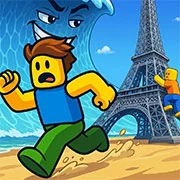
Obby: Multiplayer Parkour and Drawing Platformer
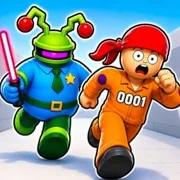
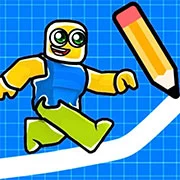
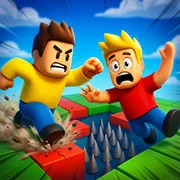
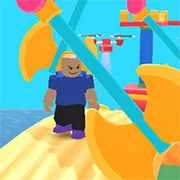
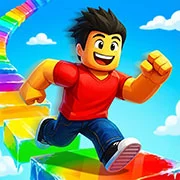
Obby is an online multiplayer parkour platformer that forces players to draw their own paths to survive complex obstacle courses. You have to balance quick reflexes with creative puzzle-solving to reach the end of the map.
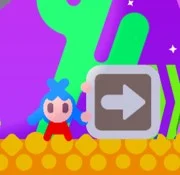
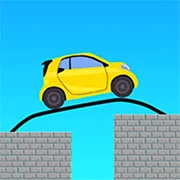
Most obstacle games just ask you to time your jumps perfectly. Here, you actually have to build the level as you go. The core mechanics mix standard running and jumping with a drawing tool that lets you sketch out new platforms mid-air to avoid traps. If you make a mistake or box yourself in, you simply pull out the eraser tool to clear the screen and try a different angle. This adds a surprisingly heavy logic element to the traditional obstacle format.
The chaos really sets in once you join the real-time servers. Up to 45 players can load into a single lobby, with four distinct game modes to cycle through. You can team up with friends to puzzle out a tough section, or you can race against everyone else for a spot on the leaderboard. There is a built-in text chat too. That makes it easy to coordinate with a group when a specific gap seems impossible to cross on your own.
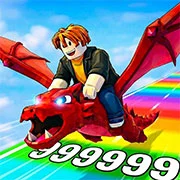
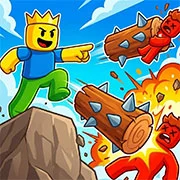
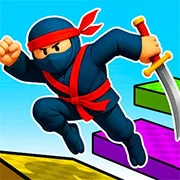
And the customization is honestly pretty strange—in a good way. As you complete courses, you earn currency to unlock new game modes and cosmetics. You can swap out your standard look for different hats and jetpacks. The creators even threw in a bunch of skins inspired by Italian brainrot memes. It gives the whole progression system a very specific, weird internet energy.
If you need to practice without 40 other people bumping into your character, the single-player mode is a quiet place to test out the drawing mechanics. The background music fits the energetic pace of the servers, but it isn’t strictly necessary. You can easily mute it and put on your own playlist without missing any important audio cues.
Game Controls
PC
- Move: W/A/S/D keys
- Jump: Spacebar
- Draw or Erase: Hold the left mouse button and drag
Mobile
- Move: Virtual joystick
- Jump: Virtual button
- Draw or Erase: Swipe your finger across the screen
As always, remember to have fun!