Exit the Backrooms: Level 94

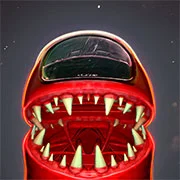
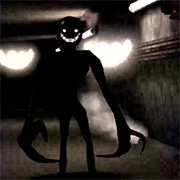

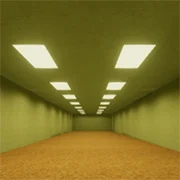
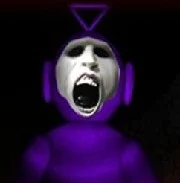
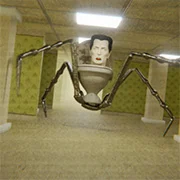

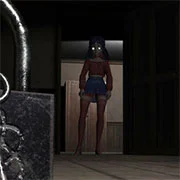

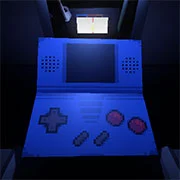

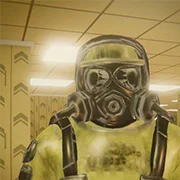




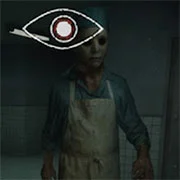
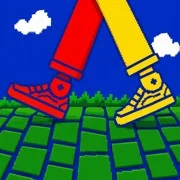
Exit the Backrooms: Level 94 is a first-person survival horror game that drops players into the unsettling, infinite suburbia known within Backrooms lore as “Motion.” Developed by Davilkus Games, this experience places you in a world that looks like a calm neighborhood, but everything—from the houses to the grass—is distinctly fake, constructed from plastic and cardboard. The atmosphere relies on the “uncanny valley” effect, where the environment feels familiar yet dangerously wrong.
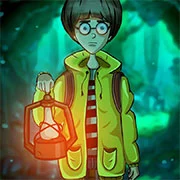
You play as Chamomile, an art student unfortunate enough to clip out of reality and land in this deceptive paradise. Your main objective is to locate and repair a projector, which serves as the only potential exit. However, the gameplay is divided into a strict, terrifying cycle. During the “day,” the sun sits motionless in the sky. This is the only safe time for players to explore the grassy hills and search the cardboard houses adjacent to the road. You must scavenge for critical resources like batteries for your equipment and Almond Water, which is essential for maintaining your stamina and sanity.
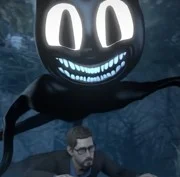
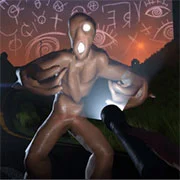
The horror elements intensify rapidly because the day doesn’t fade into twilight; night arrives instantly. Once the lights go out, the entities wake up, and the game shifts from exploration to hardcore survival. Players must manage their noise levels and light usage carefully. You will encounter the “Animations,” jerky puppets that chase you on sight, and Skin-Stealers that hunt exclusively by sound, forcing you to hide in closets and hold your breath. There are also Smilers, entities that lurk in the dark and must be fought back by shining your flashlight beam at their glowing teeth.
You can face these entities and attempt to escape the neighborhood on kbhgames.com, where it is free to play directly in your browser with no installation needed. Whether choosing the narrative-driven Story Mode with voice acting or the quieter Immersive Mode, paying attention to audio cues like footsteps is vital for making it through the night.
Keyboard Controls
- W, A, S, D – Move around
- Mouse – Look around
- Shift – Sprint
- E or Left Mouse Button – Interact with objects
- F – Toggle Flashlight on and off
- Q – Drink Almond Water
- Arrow Keys or Mouse Wheel – Zoom Camera
- Tab or M – Open Map
- ~ (Tilde) – Pause Menu
As always, remember to have fun!