Hyper Wave Challenge







Hyper Wave Challenge
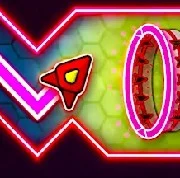
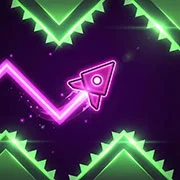
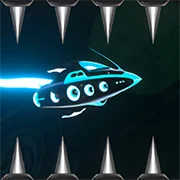
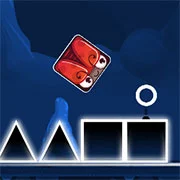
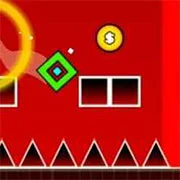
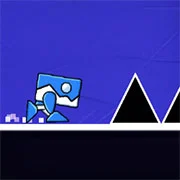
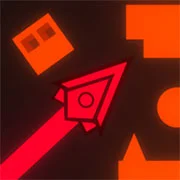
Hyper Wave Challenge is a fast-paced arcade skill game built around split-second reflexes. You guide a Wave that never stops moving, threading it through tight neon corridors filled with spikes, traps, and portals that change the rules mid-run.
The whole thing runs on one idea: the Wave moves forward on its own, and you only control whether it climbs or dives. Hold your input and it angles upward. Let go and it drops in a sharp zigzag. That sounds simple. It isn’t.
What Makes the Gameplay Tick
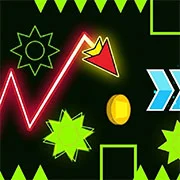
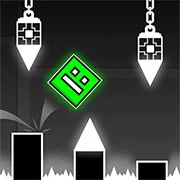
Every level is a gauntlet of deadly obstacles and corridors so narrow they feel unfair the first few tries. Crashing ends the run, so survival comes down to clean timing and a steady hand. Scattered through the chaos are coins worth grabbing — they bump up your score, but chasing them often pulls you straight into a spike. That tension is where the game earns its difficulty.
Portals are the wildcard. Pass through one and your environment shifts or your momentum changes on the spot, which keeps you from ever settling into a rhythm. They’re not decoration. They’re part of the puzzle.
The movement itself pulls more weight than you’d expect for a browser game. There’s something satisfying about nailing a long zigzag stretch you’ve failed a dozen times.
How Practice Mode Works
Practice Mode is the feature that keeps Hyper Wave Challenge from being pure frustration. Press the Q key to drop a custom checkpoint anywhere in a level. Crash after that, and you respawn at your last checkpoint instead of the start. So a brutal high-speed section becomes something you can drill on repeat until it clicks — no full restart required. For genuinely punishing stages, it’s the difference between progress and rage-quitting.
You can play Hyper Wave Challenge securely and directly on TwoPlayerGames.
Game Controls
The controls are one-touch and work the same across devices, which is exactly why the game is easy to pick up and hard to put down:
- Fly Up: Hold the Left Mouse Button or Spacebar.
- Fly Down: Release the button or key.
- Add Checkpoint (Practice Mode): Press Q.
- Delete Checkpoint (Practice Mode): Press E.
- Pause: Press ESC, P, or TAB.
As always, remember to have fun!