Mr. Dude: King of the Hill








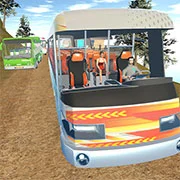
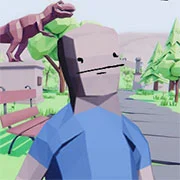



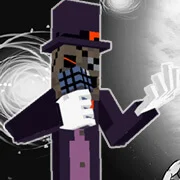
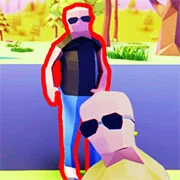
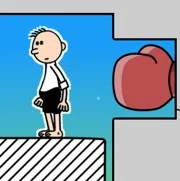
Mr. Dude: King of the Hill is a physics-based action game where players fight to survive on a mountain peak using timing, movement, and whatever the environment offers. You play as Mister Dude, a well-known criminal trapped at the top of a hill and surrounded by aggressive enemies who want to take him down. The goal is to stay in control of the summit by outsmarting and overpowering everyone who comes at you.
The game leans heavily on ragdoll physics, which means every hit, fall, and collision feels unpredictable. Enemies don’t just lose health—they react to force, momentum, and terrain. Players can shove opponents down steep slopes, drag them across rough ground, or grab nearby objects and turn them into weapons. Because the hill itself is part of the challenge, positioning matters just as much as fighting.
As you progress, new levels introduce different enemy types, layouts, and hazards. Some areas are tighter and more dangerous, while others give more room to maneuver. The difficulty increases as enemies become faster and more aggressive, forcing players to adapt their approach and think ahead instead of relying on the same tactics every time.
Controls are simple to learn but take practice to use well:
- WASD to move
- Space to jump
- E to grab ledges and climb
- F to pick up items
- G to eat food and recover
- Left Mouse Button to hit, throw, or shoot
- Right Mouse Button to aim
- 1, 2, 3 to switch items
The main objective is to defeat all enemies and keep control of the mountain peak. Using the terrain wisely is often more effective than fighting head-on, especially when enemies start to swarm.
Players can jump into Mr. Dude: King of the Hill fast and easy on kbhgames.com, where it’s available for free with no installation, playable directly in the browser.
As always, remember to have fun!
How to Play:
- Control (computer):
- WASD, arrows – movement
- Space – jump, wake up
- F – pick up an item
- G – eat food
- E – climb
- Q – inventory
- Left mouse button – hit/throw/shot
- Right mouse button – aim
- 1, 2 – switching items
- Control (mobile devices):
- Buttons on the screen