Car Destruction Simulator 3D














Car Destruction Simulator 3D: Realistic Crash Physics Game
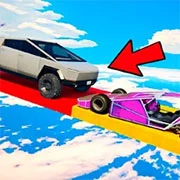
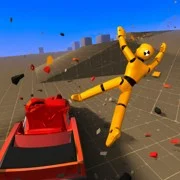
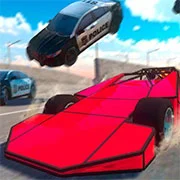
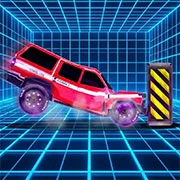
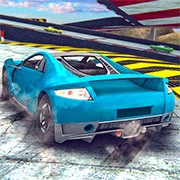
Car Destruction Simulator 3D is a realistic vehicle physics and crash simulation game where players drive diverse cars down steep slopes and directly into specialized obstacles. This browser-based title delivers authentic vehicle deformation and multiplayer demolition action without requiring any installations or downloads.
The appeal of this simulator lies heavily in its mechanical destruction. Vehicles don’t just bounce off walls here. They crush, lose structural integrity, and shed parts based on exactly where they take the hit. The underlying physics engine handles separable components surprisingly well, creating a genuine car damage system that rewards high-speed experimentation. You get to watch steel crumple in real-time.
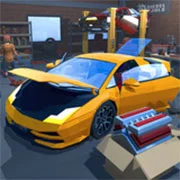
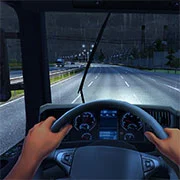
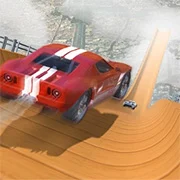
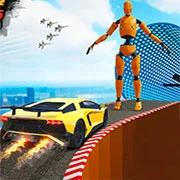
Players have access to seven distinct maps built specifically to ruin virtual vehicles. Some environments feature massive ramps to help build up terminal velocity, while others rely on intricate obstacle courses to test the game’s deformation limits. And you aren’t stuck wrecking the same generic sedan. The game provides a wide roster of cars to cycle through. Each one possesses unique handling characteristics. A heavy transport isn’t going to corner—or crash—the same way a lightweight sports coupe will. Figuring out the perfect vehicle for a specific destructive setup is essentially the main objective.
Visually, the 3D graphics pull more weight than is typical for a quick online game. Rendering accurate car deformation takes effort, and the visual feedback during a high-speed collision remains consistently sharp. That said, the technical footprint stays incredibly light. You can launch into multiplayer demolition arenas across both mobile and desktop platforms straight from a web browser. Engaging in multiplayer just means having more unpredictable targets to hit.
Game Controls
- W, A, S, D: Move forward, backward, left, and right
- Spacebar: Handbrake
- Shift: Nitro boost
- C: Change camera view
- U: Free camera mode
- R: Reset vehicle position
- K: Restore vehicle condition
- B: Slow down time
- N: Switch to a different car
- TAB / Escape: Open the pause menu
- Mobile players use the on-screen touch interface.
As always, remember to have fun!
How to Play:
- Moving by W (forward), S (backward), A (left), D (right).
- The space bar is the handbrake.
- Shift – nitro.
- C – change camera.
- B – slow down time.
- N – next car.
- The rest is through the game interface.